Onboarding Part 3 – Pitfalls

This is part 3 of my blog series on onboarding and retention.

When new users struggle with a product, there are a few quick fixes teams often try. They are simple, cheap (sometimes), and have low product impact (there is little code needed). I’ll take a look at a few and point out some gotchas.

More Explanation

A common fix is to throw more information at the user.

The explanations come in many forms:

  • Additional documentation, maybe with links embedded in various parts of the application
  • Blocks of explanatory text embedded on the app pages (in-product documentation)
  • Marketing email campaigns
  • Outreach from customer support to help users one-on-one

These are pretty blunt instruments. They rely on your users reading or watching additional content. It’s a common refrain that “people don’t read” and that is often true. It’s especially true if the person is not motivated to do it. In trial or try out cases, the user is often looking to see how your product is going to help them, not read more about it.

In addition, these approaches have other drawbacks. In-product documentation engagement is hard to measure. Marketing emails are generally better at getting people back into the product than explaining concepts. Customer support is likely effective if they reach a user but is a very expensive and non-scalable solution.

Finally, in-product and standalone documentation are pretty static. If you’re not careful, you will end up with blocks of text that, once read, provide zero to negative value. Or, you will introduce a ton of documentation that few people read and must be maintained which, for a quickly evolving product, is not an easy task.

Tooltips, Product Tours, “In-App Experiences”
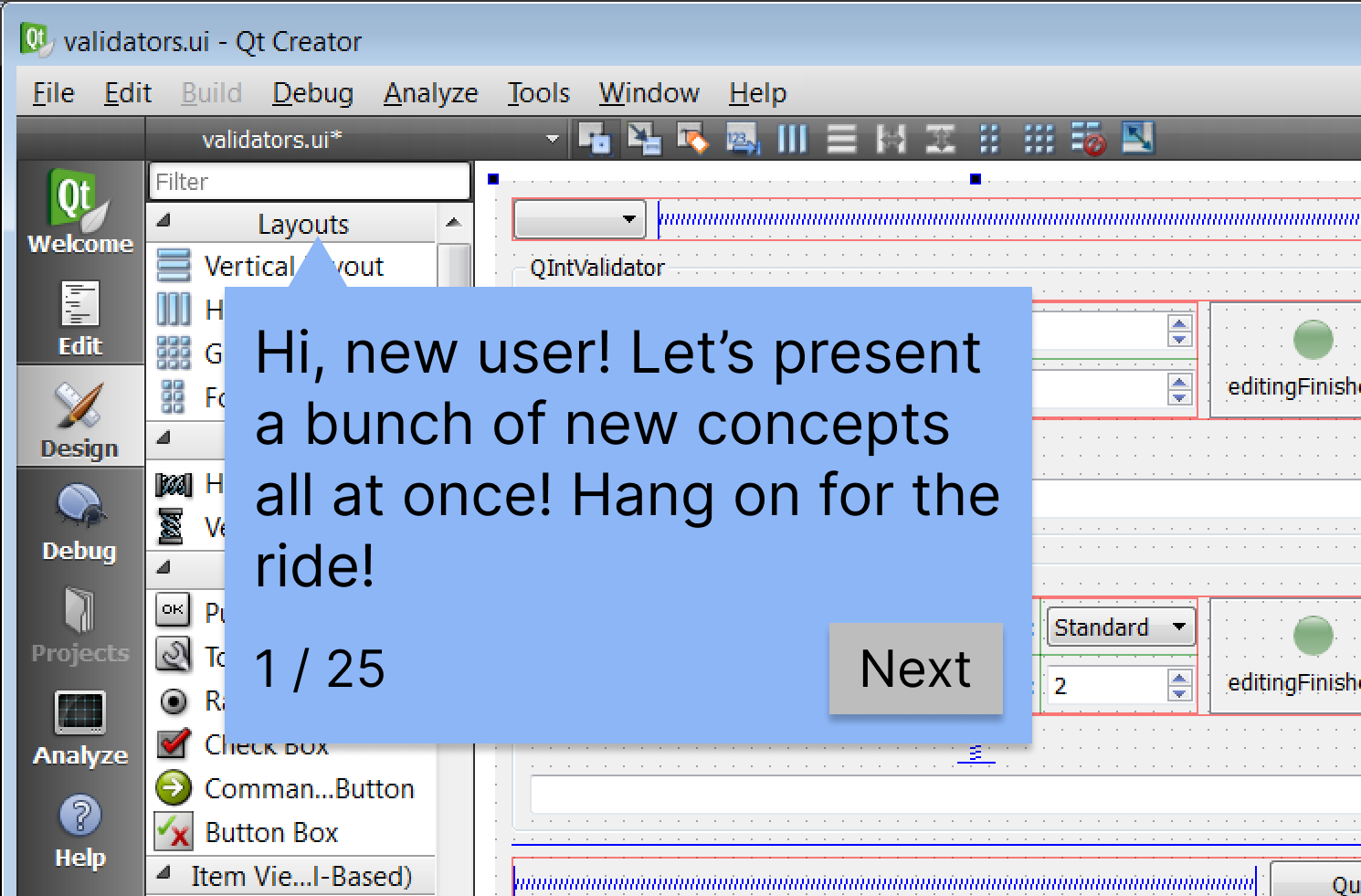
I am sure you’ve experienced the tooltip onboarding aid. Your first visit to an app pops up a number of small, helpful tips that point things out on-screen or guide you through one or more tasks. There’s no doubt these can be helpful and multiple companies have built tool businesses around this pattern.

The many 3rd party products are easy to integrate into applications and, better yet, enable anyone outside the engineering team to author and maintain the tooltips. However, authors need to take care that their tooltips and flows are well-tested and understand that every app update risks breaking them. The tooltip triggers and positioning often rely on HTML and CSS details that, if poorly understood, can result in surprising behavior. Poorly engineered front-end markup can also make for brittle tooltips.

Another weakness I’ve seen with these tools (though, perhaps someone has addressed this) is that it is very difficult to support guided flows across multiple page and state changes. For example, the tooltip logic might rely on a list containing only a single item and will only work the first time a user does the associated task. Or you may want tooltips to appear only if the application is in a certain state but that data is not available to the tooltip logic. These constraints force the author to only provide guidance in specific, limited contexts.

While each tool has its own technical strengths and weaknesses, the pitfalls to avoid are universal. Here are a few:

  • Obvious explanations – Try to avoid tooltips that explain obvious concepts or operations. Is it really necessary to point out the logout button with a note saying it logs you out? Maybe in some cases, but error on the side of brevity.
  • Excessive explanationsThe social platform I described in part 2 had over 20 tooltips, displayed one at a time, that explained every button and section of the app’s home page. Torture. When we conducted usability testing, we found the homepage and main navigation was understandable and those tooltips were unnecessary.
  • Bad timing – Timing is everything. Someone learning a new application will simply not absorb information that is provided at the wrong time or in the wrong context. For example, if you need to explain how to schedule a new blog post, don’t explain it when I create a new, empty post (or worse, right after I’ve created my account!). A better time would be when I save a draft or attempt to publish a post.
  • Forced flows – Some guided flows take control away from the user, likely to avoid having the flow disrupted by an errant click or a bored user. Some force users down irrelevant (to them) paths. The social platform I worked on had at least a couple of distinct personas. If a new member, uninterested in social interactions, was forced down a guided tour about online chats and discussions, they may abandon the product. If the user is not engaged, they are unlikely to learn or remember these.
  • Poor explanations – Sometimes a product using unfamiliar jargon or concepts is a design deficiency you need to bandaid. If the author is unaware, the help can continue obfuscating things. Instead, treat the tooltips as an opportunity to help new users translate familiar concepts and terms into the application’s world. Be sure to write tips in the user’s language, even if that departs from marketing, branding, and product jargon.

This type of help is not a magic bullet. To be successful, you need to do the work to understand where and when your users need help and apply it sparingly.

As a matter of fact, the work needed to design in-product help is a lot like the work needed to design a product… Hmm… 🤔

Helping People

For new users to your product, your goal is to make them proficient users of the product. For many products, these people will need to learn something. Jared Spool has a nice analogy describing this learning destination as “target knowledge”. Your goal is to get them from their current knowledge to this target knowledge. Ideally, you can do this as an implicit part of the product design by doing your research and designing it in.

  • Know your users. Understand their starting knowledge, behaviors, and goals.
  • Design for new and experienced users. I will touch on this more in part 5 where refactoring the design to better support new users actually helped existing users as much or more.
  • Introduce concepts incrementally if you can. Provide help (in whatever form) when the user needs it.

You may still find areas where guides and other bandaids are needed but I bet you will be able to deploy them with precision and confidence.

Wrap Up

Like any product, feature, document, or anything with an audience, you need to do your research to understand how your users think, what their goals are, and what expectations and knowledge they come to you with. Without that work, even though these fixes don’t heavily impact the existing product, these aids will fail to help.


In parts 4 and 5, we’ll look at the cases I described in part 2. Both these examples illustrate cases where bandaids like these made little impact.

Onboarding Part 2 – Case Studies

In part 1, I described how retention issues affect businesses and how UX teams are sometimes asked to fix the problems.

It’s story time! Let’s take a look at a couple of real-life examples.

A Social Platform

The first product facing challenges is a social platform aimed at older adults. Think Facebook in terms of general functionality with additional virtual, live programming. Membership was paid for by a sponsoring organization, such as a health insurance company, and provided to their customers as a free benefit.

Prospective new members were contacted by the sponsor via email or snail mail brochures. This material contained a link to a landing page with more info where the older adult could go on to register as a new member.

The product suffered from low retention rates and there were a bunch of theories as to why, ranging from “it looks too complicated” to “there’s not enough activity” to “members can’t remember how to get back to the site.” In particular, there was a lot of focus on the site’s homepage, suspected of being overwhelming, confusing, or otherwise unusable. Since this was a member’s first and subsequent view of the platform, it made sense to ensure it was as welcoming and clear as possible.

But, was the homepage the problem? It is very challenging to get any feedback from disengaged members, let alone something as nebulous as first impressions from a website visit.

To better understand what a new user experienced, I designed a user research study that started at the beginning – with a simulated email from the participant’s health insurance company. During the session, we observed participants read the email, visit the landing page, registration page, and the homepage.

Even before we had completed the 5 planned sessions, it was obvious that the homepage was not the main issue. We discovered that the sponsor’s email and our landing page both painted an ambiguous picture. Participants simply did not understand what was offered. Many asked, “Is this a dating site?” (It is not.) “Is this a group that meets in my area?” (It is purely virtual.) Or, they interpreted ambiguous terms in their own ways. For example, we started gaining insight on the various interpretations of “meeting people” or even “learning” – terms we thought were straight forward.

This research was crucial for two reasons:

  1. It gave us valuable insight into how our audience interpreted our messaging, what terminology they used to describe things, and what resonated for them.
  2. It challenged existing assumptions and pointed to a problem no one knew we had.

Before we could tackle engagement, we needed to ensure new members were set up for success. Focusing on acquisition first would also help increase the odds that people who may be a good fit would sign up in the first place.

Software QA Test Tool

The second product was a test automation tool for software teams. It had a 2 week free trial and, like any trial, the hope was trial users could quickly get up to speed, discover the product’s value, and become paying customers.

When I joined this project, the product was mostly built and nearing public release. My initial usability testing with new users discovered a number of usability issues. However, due to the impending release, we could make only superficial changes.

After release, conversation rates and feedback from Sales and Support confirmed we had a problem. Product leadership tasked the team to “fix the onboarding.”

We tried different approaches that avoided big product changes:

  1. We put in a few subtle hint popups attempting to steer new users to the most relevant pages
  2. We broke up the very first interaction into a few steps to provide more explanation and force a couple of actions we thought were necessary to fully evaluate the product
  3. We added additional tooltip flows using Appcues to guide the new user through their first key tasks

While we saw limited success with each of these changes, they didn’t move the needle. Again, I continued usability testing to understand what trial users were doing and thinking. The results built on the initial testing. My initial conclusions clarified into an inescapable truth – the product had fundamental issues that no number of bandaids could fix.

New users were confronted with too many product features and concepts all at once. And, because of the design, there was no way to avoid or defer many of the most confusing or complicated aspects. As a result, many test participants failed to complete the most basic task a QA test tool should support – creating a test – during a test session. That is not a good first impression.

There was no way to “fix the onboarding” and we’d have to take a step back and figure out how to fix the product.


In part 3, I focus on the quick fixes we tried and their pitfalls. In parts 4 & 5, I’ll tell you more about how we tackled the problems described here.

Onboarding Part 1 – Retention Problems

This is part 1 of my series on user retention and onboarding.

Defining Terms

Let’s define a few terms.

Customer or user retention means keeping customers or users. What does it mean to “keep” a customer or a user? It means that a person keeps using your product or service over time. However, how you define and measure that depends on the business. I touch on some measurements next.

I may use “customer” and “user” interchangeably here. For many products, they are the same but for B2B products, they are different since a customer may easily have multiple users. The retention of a customer is clearly different than the retention of one of their employees who uses your product (though they are likely correlated).

Onboarding refers to the period starting when a customer or user begins using your product until the point they are able to get some value from it. For complex products, onboarding could be a multi-week process that includes training classes. For simple products, it could be instantaneous.

SaaS stands for Software as a Service and describes both technology and business model. SaaS products are delivered remotely over the internet (i.e., there’s always some component running in the cloud) and are sold on a subscription basis. I am primarily writing about this type of product.

Measuring Retention

How do you measure retention and what do user retention problems look like? Ultimately, they are revenue problems – the company isn’t meeting financial targets. This blog series isn’t about product management, sales, or marketing, so let’s skip a bunch of analysis and assume that the marketing funnel is delivering the right number of prospects, you’re charging the right price, and you think you have product-market fit… if only users would just stick around.

In short, you’re getting enough new users but they aren’t coming back for some reason.

Depending on your revenue model, you may not see a problem right away. For example, if you sell annual subscriptions, it could take a year to realize customers are not renewing at the expected rate. So, most companies identify metrics that may indicate retention problems well before the renewal comes around. Some common ones:

  • Active users
  • Frequency of key actions (e.g., logging in, running reports, executing automations, posting content)
  • Customer support calls
  • Response rate to outreach

Retention is such an important business metric that you can be sure someone outside of the user experience team will notice problems. When that happens, how might the UX team be called on to help?

Calling User Experience

UX is an obvious choice to bring in to fix retention problems. For a strong UX team, I would expect they tackle the problem like any other starting with research and followed by an iterative design process with lots of user feedback to solve it.

However, there are still many companies that don’t operate this way and attempt to fix the problem based on assumptions and quick fixes. In this case, the UX team may be prescribed work. There are a couple interesting contexts: low retention of paying customers and low retention of trial or freemium users. Let’s look at some of the things a designer may be asked to do. 

Losing Subscribers

Almost every product uses a subscription model these days. When retention of paying customers is a challenge, the UX team may be tasked with things like:

  • Improving the usability of key functionality because low usage means it’s too hard to use
  • Adding more help or documentation or pointers to these features
  • Designing more new features to fill an assumed gap

In these situations, it’s sometimes a little clearer to everyone what the problems are since it’s easier to talk to customers than to semi-anonymous people just trying out your product. These fixes also assume that paying customers have gotten through the onboarding stage successfully to some extent. If not, requested fixes will sound a lot like the ones below.

Free Trials or Freemium Products

Many companies offer free trials or a free tier hoping people will sign up and the product will sell itself. These are challenging models to get right and to diagnose the problems when things go wrong!

Trials have their own retention metrics and, as a bonus, you can get feedback on the order of days or weeks. When trial users leave and don’t come back after their initial session or two, UX may be asked to tackle things like:

  • Explaining the product’s value proposition when users first sign up
  • Walking new users through the product through wizards or tooltips
  • Doing more automatic setup or configuration
  • Adding video explainers because people just don’t read

I like to summarize these requests as fixing the onboarding.


In part 2, I take a step back and consider some real-life examples and see just how these issues cross organizational divisions and how deep they can go.

The User Onboarding Problem

“We have a user retention problem. They just aren’t coming back and it seems like new users don’t seem to know what to do. We need to improve our onboarding.

I’ve heard this or something like it many times in my career.

The thinking goes like this: If users aren’t coming back then they must not be getting value. And if they aren’t getting value, that must mean that they couldn’t find the value. (We provide a lot of value!) If they can’t find it, then the onboarding is broken – it needs to better show them the value!

Quick Fixes

Chances are, if you’re experiencing retention problems, it’s a new product and your company is a startup. Startup culture is not afraid of issues or challenges! They eat them up for breakfast.

You’ve already determined that your retention problem is due to an onboarding problem, so you move fast and throw some things at the wall to see if they stick.

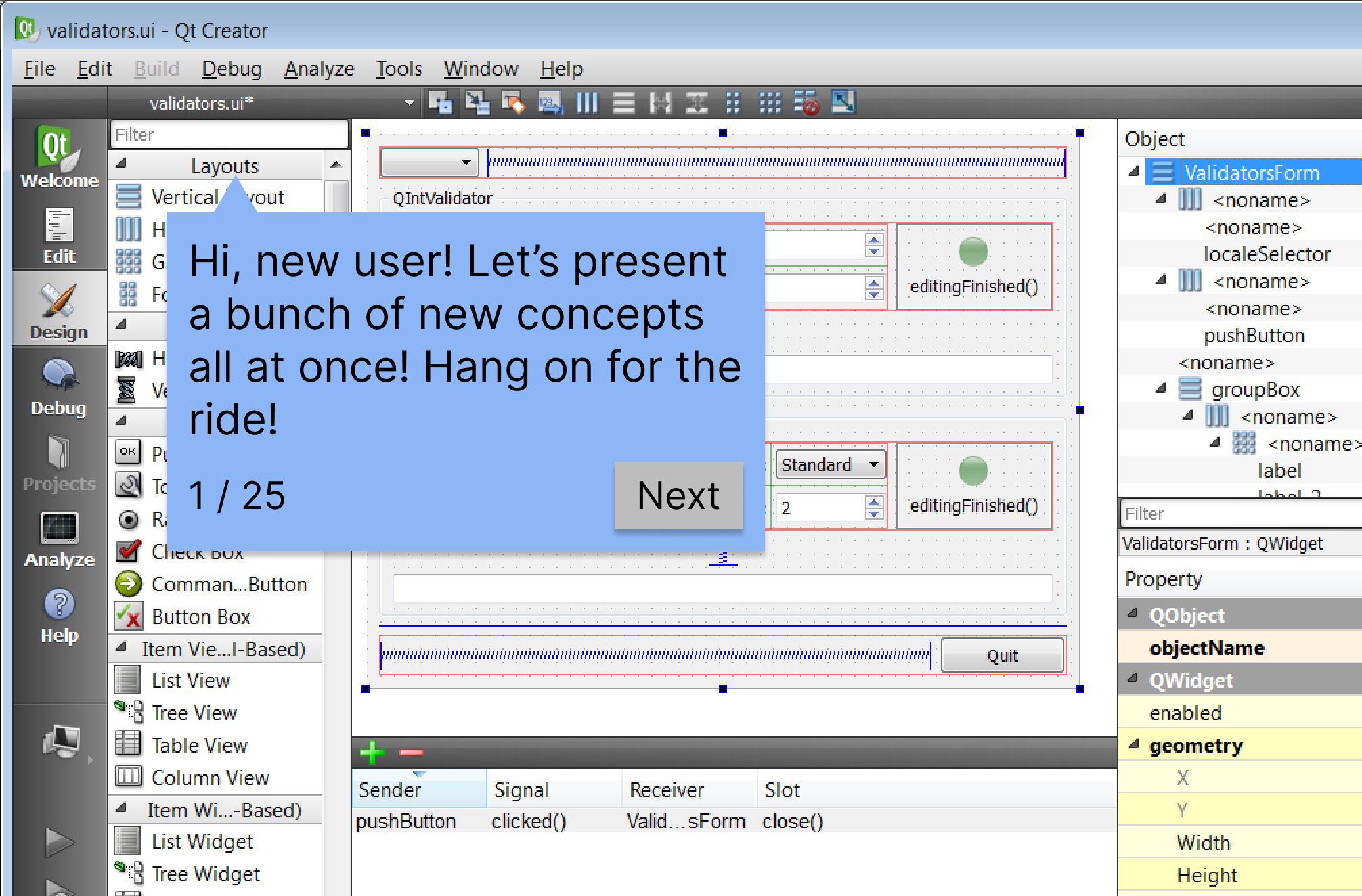
This image is a derivative work of Screenshot of Qt Creator 3.1.1
  • More explanatory text!
  • Less text!
  • Force the user to do the thing that shows value!
  • Tooltips!
  • Dedicated customer support managers!
  • More tooltips!

Some of your attempts bomb. Some of them seem to work for some people but not enough. Some of them work really well but won’t scale. Sometimes you stumble on a fix that works and mistake luck for knowing your user.

Does any of this sound familiar? This blog post series covers:

  1. What retention problems look like
  2. Common fixes and their pitfalls
  3. Digging down to the root causes
  4. Designing the solution
  5. Implementing the design

Spoiler alert: The problem and the solution involves understanding your users.


Stay tuned for part 1, coming soon.